What is WebP and Why You Should Use It on Your Website
·5 min read
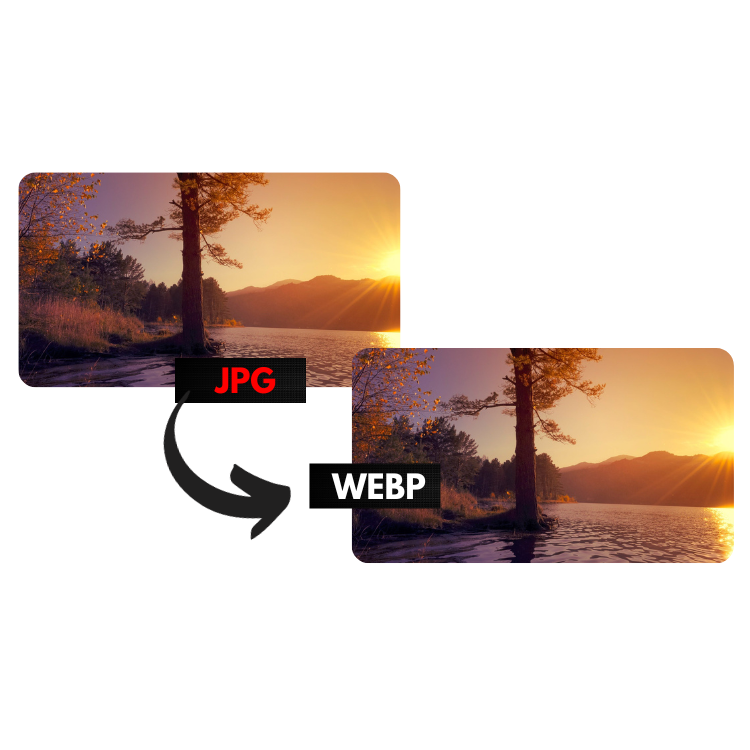
What is WebP?
WebP is a modern image format developed by Google launched in 2010. It combines the best of JPG and PNG:
- Photo quality (like JPG)
- Transparency support (like PNG)
- Much smaller files than both
Why is WebP better for the web?
Images are responsible for most of a web page's weight. Google uses page load speed as a ranking factor since 2021 (Core Web Vitals).
Google's stats on WebP:
- WebP images are 25-35% smaller than equivalent JPGs
- WebP images are 26% smaller than PNGs
This means faster pages, less data consumption for users and better Google rankings.
Do all browsers support WebP?
Yes! Since 2020, all modern browsers support WebP:
- Chrome (since 2010)
- Firefox (since 2019)
- Safari (since 2020)
- Edge (since 2020)
Today, more than 97% of web users use a WebP-capable browser.
How to convert images to WebP
Use our free tools:
- JPG to WebP: for photos and images without transparency
- PNG to WebP: for logos, icons and images with transparency
Conversion is instant and happens in your browser — no server uploads.
WebP vs JPG vs PNG: full comparison
| Feature | JPG | PNG | WebP |
|---|---|---|---|
| Transparency | No | Yes | Yes |
| Compression | Lossy | Lossless | Both |
| Relative size | Medium | Large | Smallest |
| Animation support | No | No | Yes |
| Browser support | Universal | Universal | 97%+ |
Recommendation
For new web projects, use WebP as the default. For maximum compatibility, keep a JPG/PNG fallback using the HTML
Try it now — free tool
Use our online tool, no installation or account required.
Convert JPG to WebP →