Free Online Image Optimizer
Optimize your images for the web to improve page speed, SEO rankings, and Core Web Vitals — 100% free, right in your browser.
Settings
 Click here, or drag images to this area to start conversion.
Recently converted images
Track the images that have been converted and see their original and final sizes.How the Image Optimizer works
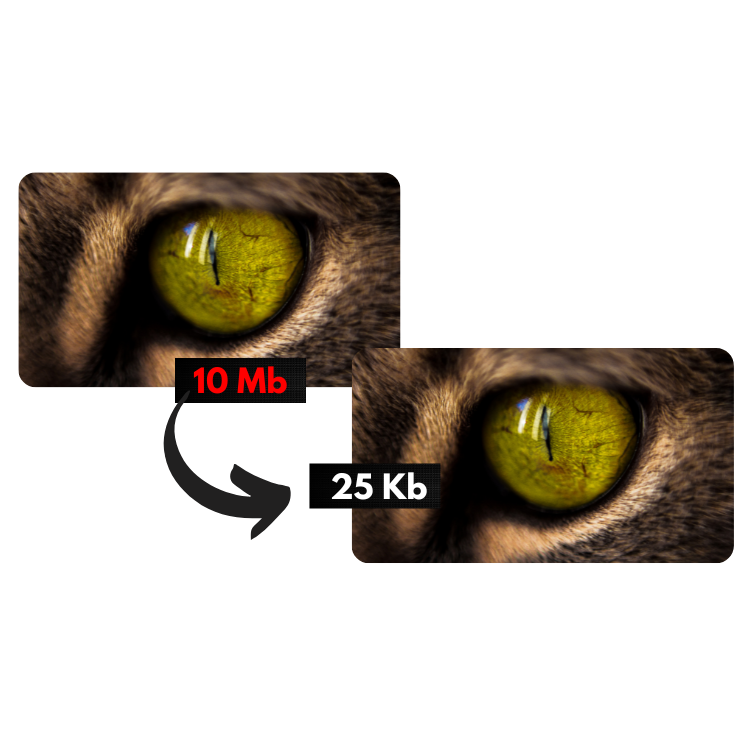
This tool reduces and optimizes your photos or images for the web according to the settings you choose above. You can set the Max Width (in pixels), the Max Height (in pixels), and the Image Quality (from 0.1 to 1, where 1 means no quality loss and 0.1 means significant quality loss).
Tip: A quality setting of "0.7" gives a great result for web use — it noticeably reduces file size while the quality loss stays virtually unnoticeable to visitors.
Why optimizing images matters for SEO and Core Web Vitals
Images typically make up the majority of a page's total weight. Google's Core Web Vitals — especially LCP (Largest Contentful Paint) — directly measure how quickly your main content, which is often an image, becomes visible. Bloated, unoptimized images are one of the most common reasons websites fail these metrics.
By resizing images to the dimensions they're actually displayed at and compressing them intelligently, you cut down transfer size dramatically, speed up rendering, and send a strong positive signal to Google's ranking algorithm.
What makes this optimizer different
Everything runs in your own browser.
That makes optimizing your photos much faster, and it means we never upload your images to our servers — your files stay private.
Your settings are saved for next time.
Bookmark this page — the next time you visit, your last configuration will already be loaded, saving you time on repeat tasks.
Automatic downloads.
To speed up your workflow, optimized images are automatically saved to your "downloads" folder. Note: the first time you optimize several images at once, your browser may ask you to "allow multiple downloads" — it's safe to allow it.
No limits.
Drag and drop or select as many images as you want — there's no cap. Great for optimizing a whole gallery or product catalog in one go.
Convert to multiple formats at once.
WebP is the format recommended by Google for the best balance of quality and file size. Choose JPG for images without transparency, PNG when you need transparency, and WebP for the smallest, most modern format — just remember that a very small percentage of older browsers may not support it.
Smart optimization.
If your original image is already smaller than the optimized version — which can happen occasionally — the smaller file is the one that gets downloaded. That way you never have to double-check every result yourself.
Why use an image optimizer for your website?
Today's cameras and smartphones capture images at very high resolutions, and stock photo sites offer files that are far larger than what's needed on a typical web page. With this tool you can optimize your images for the exact use case — website, email, or messaging apps — quickly and easily.
Did you know? Just by optimizing your site's images with this tool, your website can load significantly faster and rank better on search engines like Google!
This tool is completely free to use, with no software to install. We take no responsibility for the content or final use of the images optimized here — this is purely a resizing and compression tool. No copy of your images is ever stored by us; since everything happens in your own browser, we never even have access to them.