How to Move Your Hours from Ministry Assistant to WitnessWork
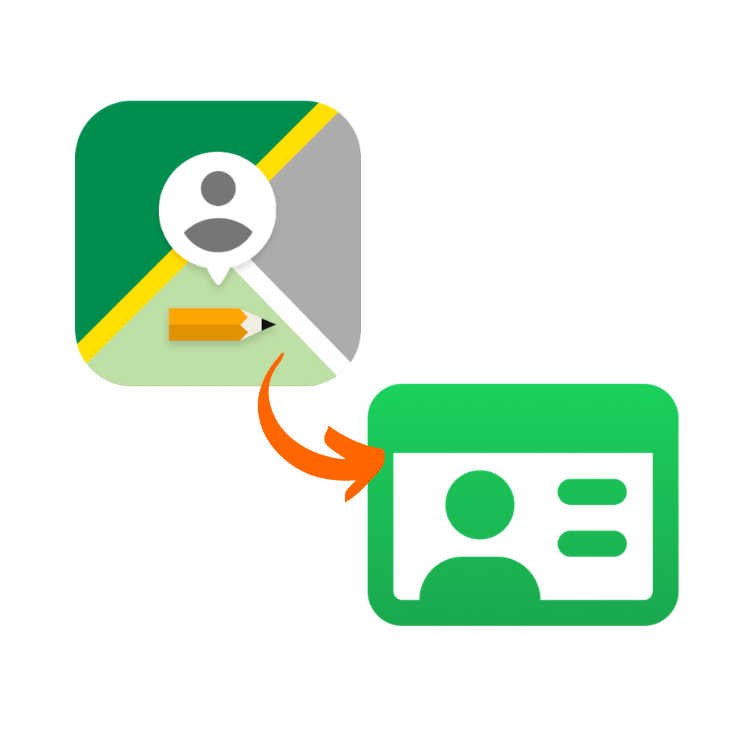
People who log ministry hours — then change phones
Many of Jehovah’s Witnesses use a phone app to keep track of field service: hours, return visits, Bible studies, contacts, and sometimes construction (LDC) or Bethel time. These are not the organization’s official apps. They are third-party tools that help a publisher or pioneer keep a monthly record.
On Android, Ministry Assistant is one of the most common. People who move to iPhone often look for a similar app — monthly reports, reminders, and backup. WitnessWork is a strong option in that situation.
The hard part is not only picking a new app. It is not throwing away years of history already on Android.
Why WitnessWork comes up
If you used Ministry Assistant and now have an iPhone, WitnessWork often shows up in searches because it:
- Is built for iOS
- Lets you log ministry hours and credits such as LDC/Bethel
- Stores contacts and conversations (return visits, studies)
- Has a backup you can restore in the same app
- Lets you set pioneer, publisher, and goals on first launch
No third-party app replaces the congregation report. It only organizes what you already write down. In that lane, WitnessWork is a solid way to keep the same habit on iPhone.
What does not work for migration
Ministry Assistant has an “export to text” option. That .txt file does not include the real hours. It is for reading, not for restoring another app.
Screenshots of old months are not enough either. WitnessWork restores from a backup JSON. Ministry Assistant exports a .mabackup (a compressed file). The two formats do not talk to each other on their own.
How Weads bridges the gap
We built a free tool that, in your browser:
- Reads the Ministry Assistant
.mabackup - Merges it with the current WitnessWork backup (if you already started on iPhone)
- Builds a JSON file to restore in WitnessWork
Nothing is uploaded. Files never leave the device. The merge does not erase hours you already logged on iPhone: it only adds days that were not already there.
Short step-by-step
- On Android, make a backup in Ministry Assistant (Google Drive or email). The file should be
.mabackup. - Download that file somewhere easy (Downloads).
- On iPhone, install WitnessWork, finish the basic setup, and create a backup in the app.
- Open the Weads tool, add both files, and download the generated JSON.
- In WitnessWork: Backup and restore → restore the generated copy.
Ministry Assistant is on Google Play. WitnessWork is on the author’s site.
The tool is here: migrate Ministry Assistant to WitnessWork.
If you convert on a computer, send the JSON to yourself on WhatsApp and save it to Files on iPhone before restoring.
Check a month you remember (field service and LDC/Bethel). Keep the old Drive backup and the original WitnessWork JSON until you are sure.
Ministry Assistant vs WitnessWork (quick view)
| Ministry Assistant | WitnessWork | |
|---|---|---|
| Platform | Android | iPhone (iOS) |
| Typical use | Hours, contacts, report | Hours, contacts, report |
| Native backup | `.mabackup` | JSON |
| Phone switch | Needs conversion | Restores the tool’s JSON |
Frequently asked questions
Is WitnessWork the official Jehovah’s Witnesses app?
No. Like Ministry Assistant, it is a third-party app for your personal ministry record. The congregation report is still whatever the elders or secretary ask for.
Do I need the WitnessWork backup?
That is the safest path. Without it, migration creates a generic profile and skips goals and hours already logged on iPhone.
What if I already logged some hours on iPhone?
The tool merges: what was already in WitnessWork stays; Android history is added only for days that were not there yet.
Can Weads see my contacts or hours?
No. Conversion runs in the browser. There is no upload.
Conclusion
If you used Ministry Assistant on Android and want a solid iPhone app to log ministry, WitnessWork is a good fit. What was missing was a bridge between the backups.
That bridge is the Weads tool to migrate Ministry Assistant to WitnessWork: free, no signup, in the browser.
If you also work on the web every day, other free Weads tools include the work hours calculator and the WhatsApp link generator.
Try it now — free tool
Use our online tool, no installation or account required.
Migrate Ministry Assistant to WitnessWork →